
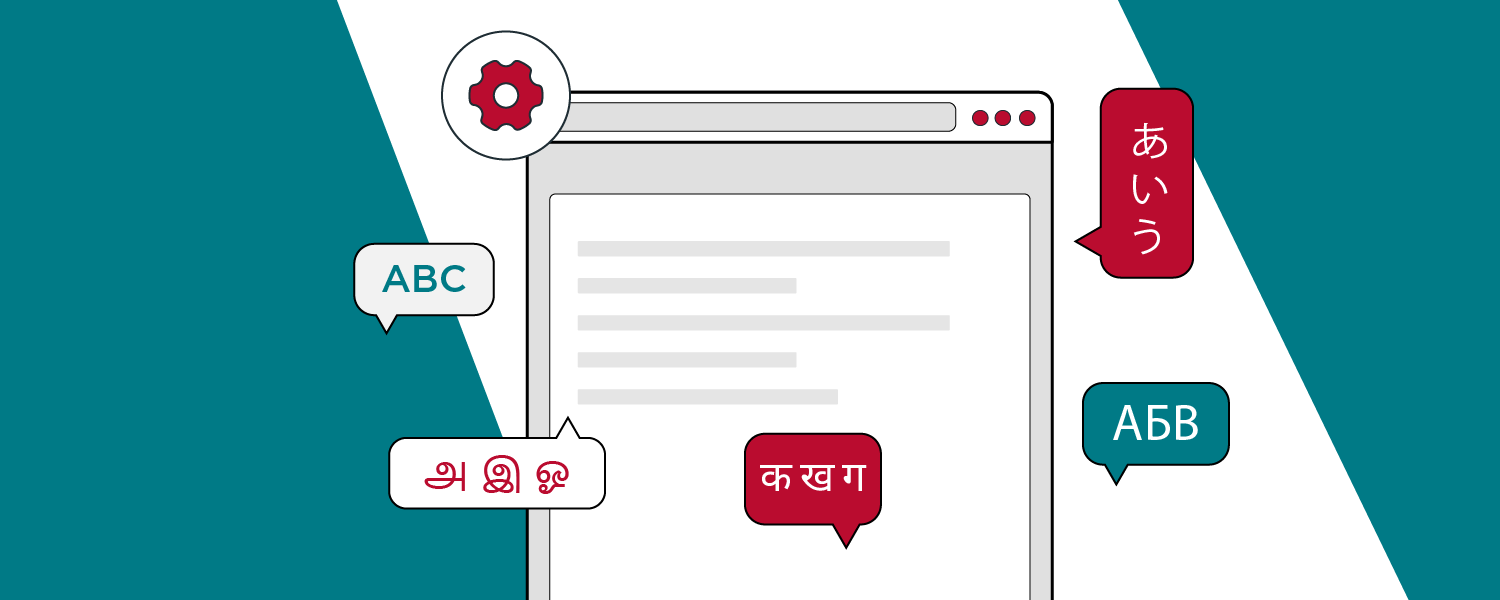
iECHO is designed to be a global platform, with a strong emphasis on accessibility.
To ensure a seamless experience for users worldwide, iECHO supports a comprehensive range of languages. This multilingual capability is integral to making the platform more user-friendly and accessible to diverse audiences.
Available Languages
Currently, iECHO supports 26 languages, selected based on global requirements and partner feedback.
- English
- Hindi
- Bengali
- Assamese
- English (US)
- English (India)
- English (UK)
- Spanish
- Kannada
- Marathi
- Gujarati
- Punjabi
- Tamil
- Telugu
- Oriya
- European Portuguese
- Brazilian Portuguese
- French
- Malayalam
- Vietnamese
- Malay
- Indonesian
- Filipino
- Romanian
- Russian
- Ukrainian
📣 We are always trying to add more languages! Please check this list to see if your language has been added. If you need assistance, please reach out to support@iecho.org or use the chat bubble.
How to change your iECHO language settings
Preferred language
Here is how you can set your preferred language on iECHO:
- Log in to iECHO
- Click the dropdown next to your name or picture in the top-right corner and select Edit Profile.
- Scroll to Communication Details under Personal Details.
- Choose your preferred Platform Language from the dropdown menu.
Speaking Language in Profile
iECHO supports adding a speaking language to your profile to enhance interaction with peers and community members.
- From your iECHO profile section in the top-right corner, use the dropdown menu to edit details.
- Scroll down to Personal Details next to Platform Language.
- Select Speaking Language from the dropdown menu.
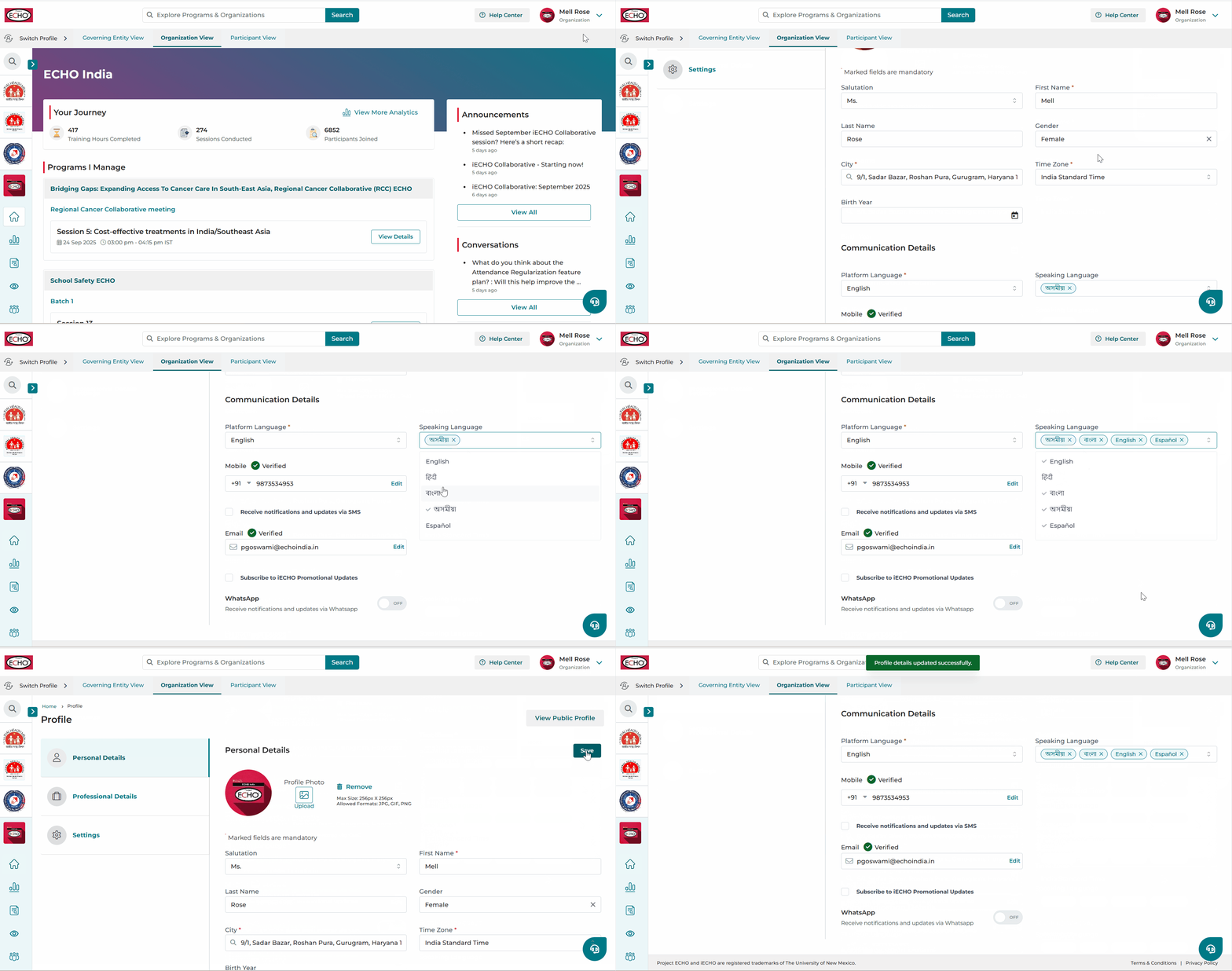
This is displayed in your Public Profile section and visible to other users.
ℹ️ iECHO translates the platform's content into specified languages, making it more accessible. However, user-generated content is not translated.