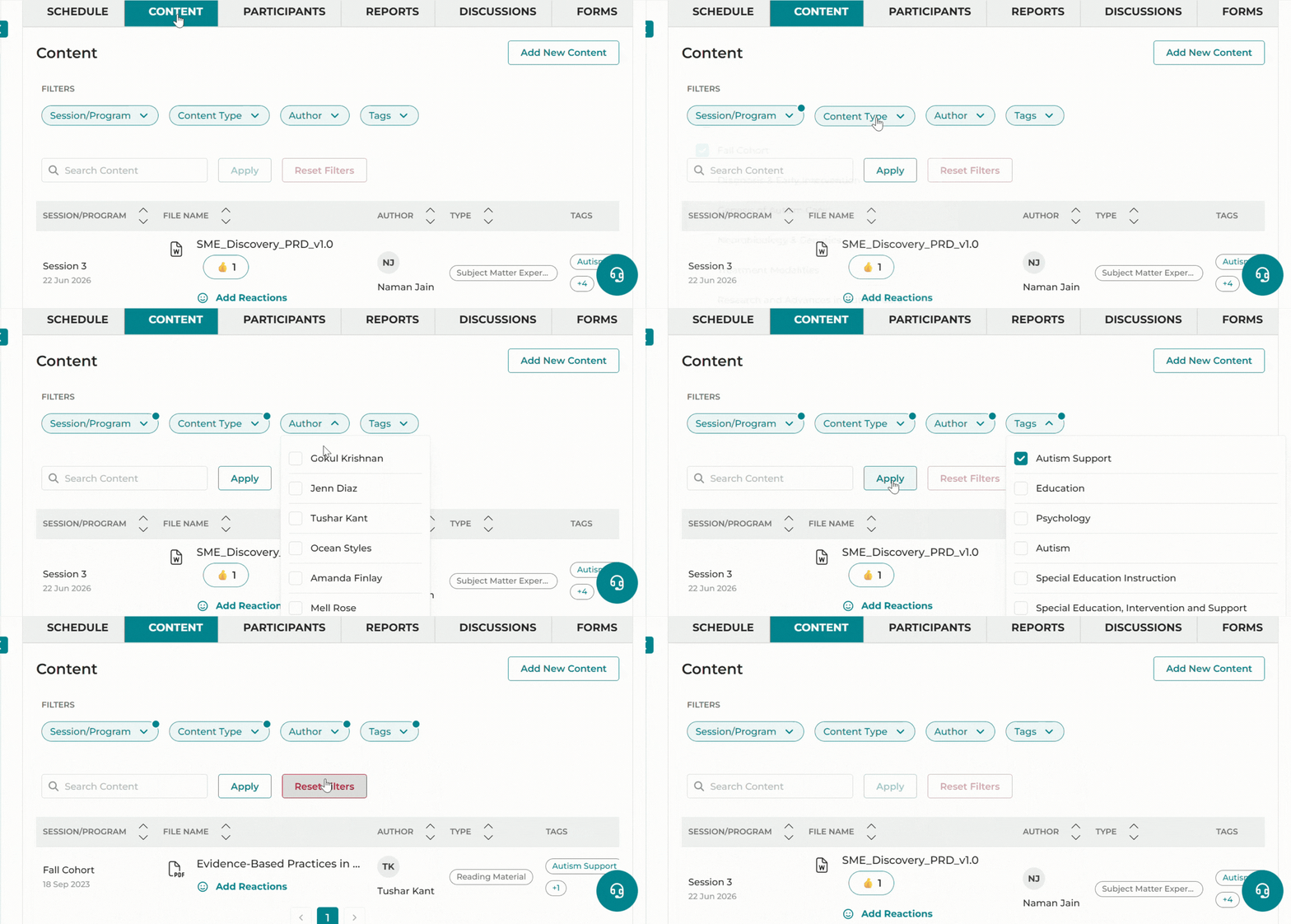
iECHO enables easy download and access to content within participant groups, with search, filter, and sort options to quickly find essential resources. Saved filter and sort preferences ensure a seamless, efficient experience across sessions.
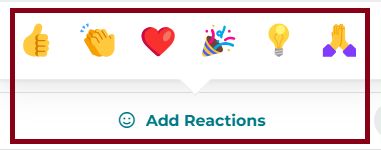
Additionally, an option to share a reaction to each piece of content allows you to quickly express feedback.
Here is how you can find and organize content:
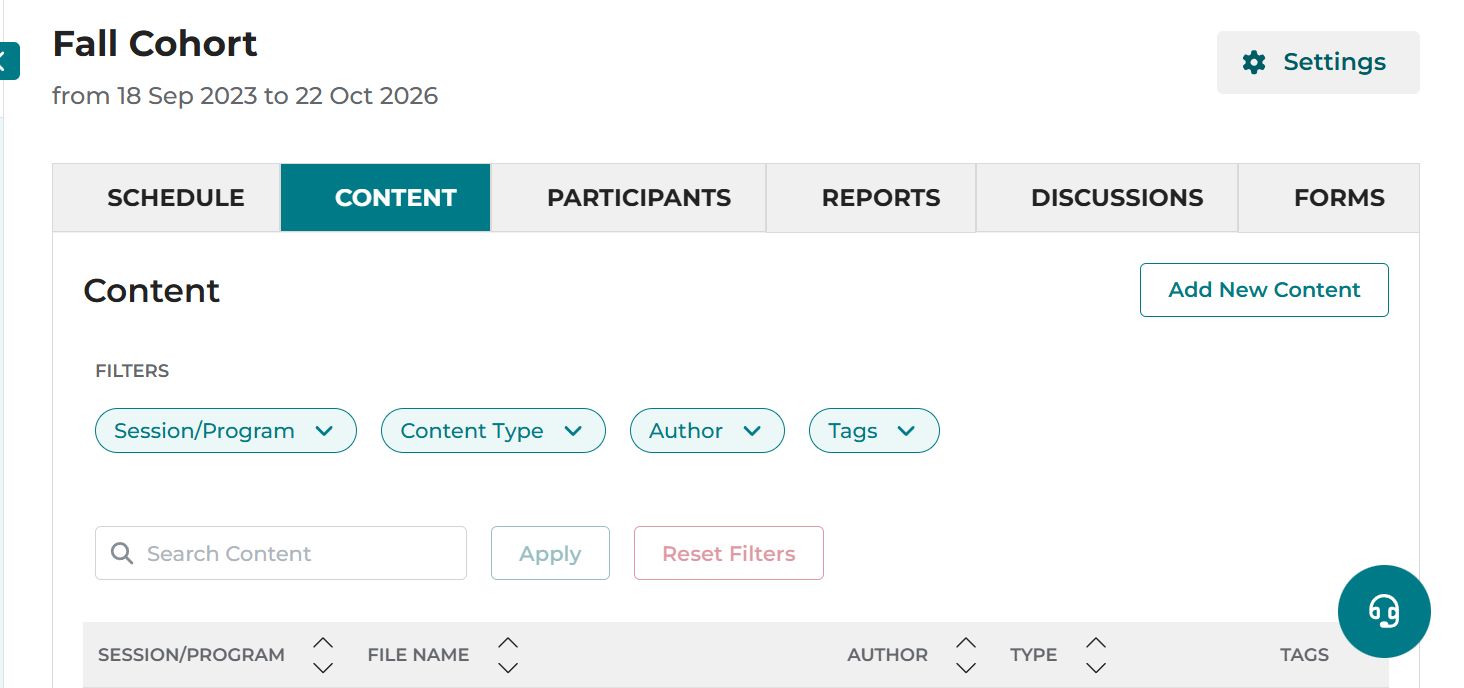
- From your iECHO homepage, open the left panel and select All Programs.
- Select your program, then select your participant group.
- Select the Content tab next to Schedule.
- Search functionality: Enter keywords or file names into the search bar to find relevant resources. Results are displayed with the most relevant items at the top. Click any result to go directly to the resource.
- Filtering options: Refine your search using the following filters:
- Session/Program: Narrow down content by selecting specific sessions or programs.
- Content Type: Filter content by type, such as cases, lectures, or other categories.
- Uploaded By: Find content uploaded by a specific author by selecting their name from the list.
- Tags: Find content with keywords related to the program.
- Sorting results: Sort search results by relevance, date, or creator to better organize and prioritize the content you need.