
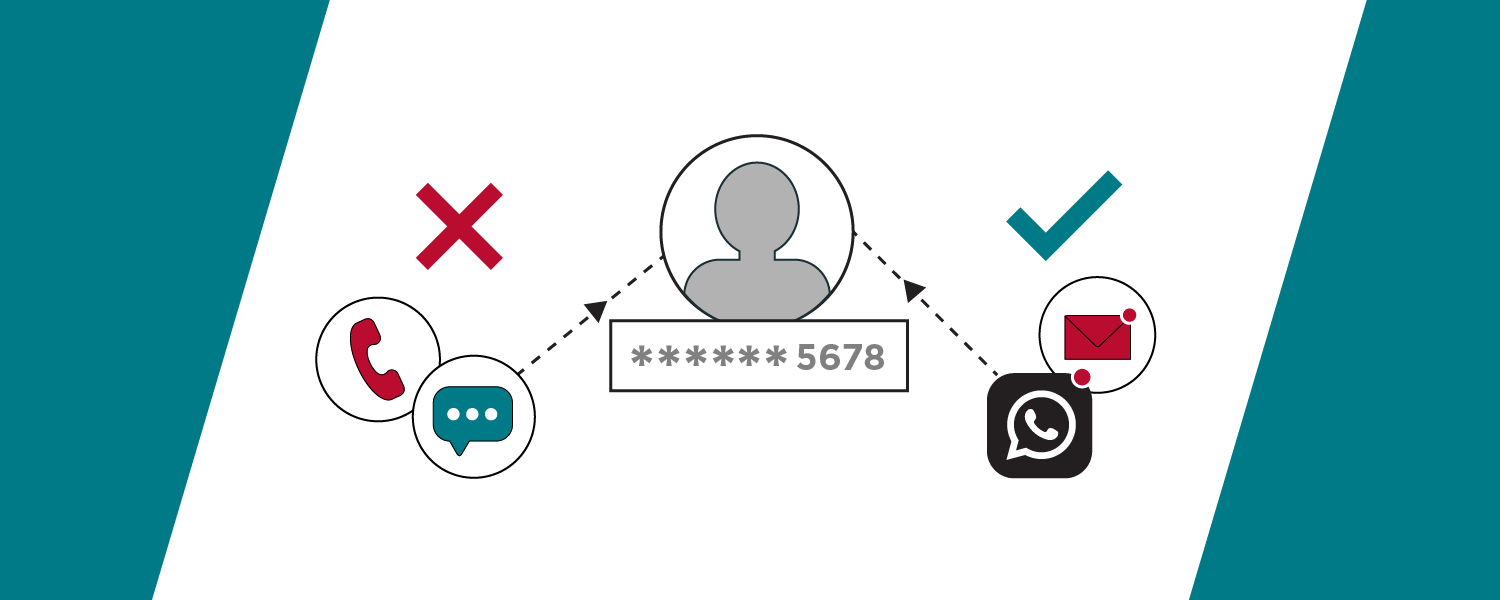
iECHO makes it simple to stay on top of your important tasks and deadlines with automated reminders. You can receive these notifications via email, SMS, or WhatsApp, depending on what works best for you.
Edit Communication Details
Platform Language
- Log in to iECHO.
- Click the dropdown next to your name or profile picture in the top-right corner and select Settings
- Scroll to Communication Details under Personal Details.
- Choose your preferred Platform Language from the dropdown menu
Contact Information
To update your email address or mobile number in the Communication Details section, verify the new contact information through a 6-digit code:
- Click Edit next to your email address or mobile number.
- Enter the new email address or mobile number.
- Complete the CAPTCHA verification (for mobile numbers only), then click Send Code.
- Check your new email or mobile phone for the 6-digit verification code sent by iECHO.
- Enter the code (OTP) and click Confirm Code to complete the change.
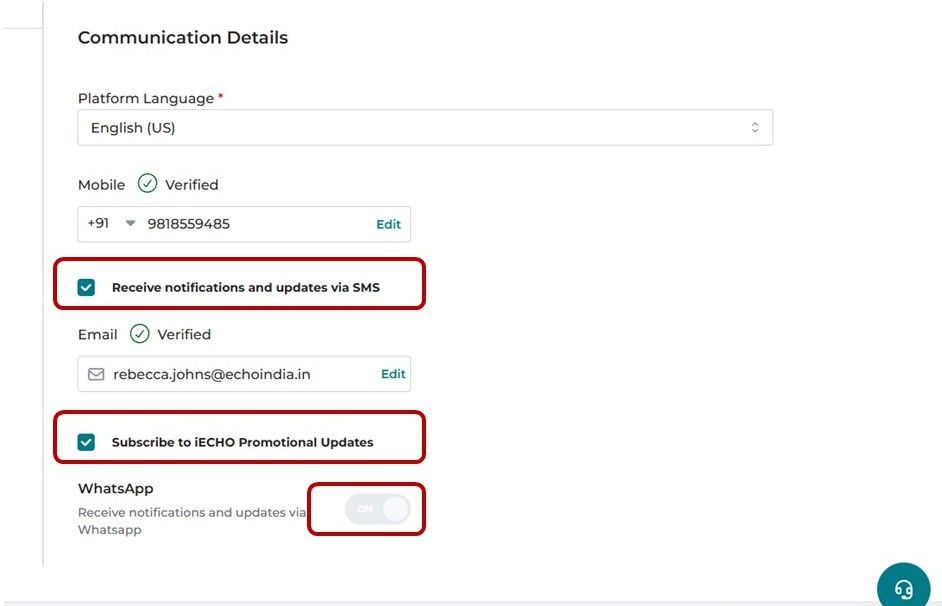
To set your preferred communication methods, select or unselect the relevant options:
- Mobile (SMS Reminders): Quick, concise updates via text message. Perfect for on-the-go notifications and instant visibility on your mobile device. Select the Receive notifications and updates via SMS checkbox below your mobile number.
- Email Reminders: Detailed notifications sent directly to your registered email inbox. Ideal for easy access from a computer. Select the Subscribe to iECHO Promotional Updates checkbox below your email address.
- WhatsApp Reminders: Alerts through WhatsApp for a more interactive messaging experience. Turn on the toggle for Receive notifications and updates via Whatsapp.
💡 You must select at least one communication method to ensure you do not miss important communications from iECHO.
💬 WhatsApp notifications are disabled by default in certain countries. View the list of countries where SMS and WhatsApp are active.
Promotional Updates & WhatsApp Notifications
iECHO offers three types of promotional updates:
| Weekly Discussion Digest | A weekly summary of discussion activity in your groups |
| iECHO Updates | A quarterly overview of new platform features and improvements |
| iECHO Wrapped | An annual summary of your learning journey and impact |
To change your notification settings:
- To unsubscribe from promotional emails, uncheck Subscribe to iECHO Promotional Updates below your email address.
- To turn off WhatsApp messages, toggle off Receive notifications & updates via sms.