
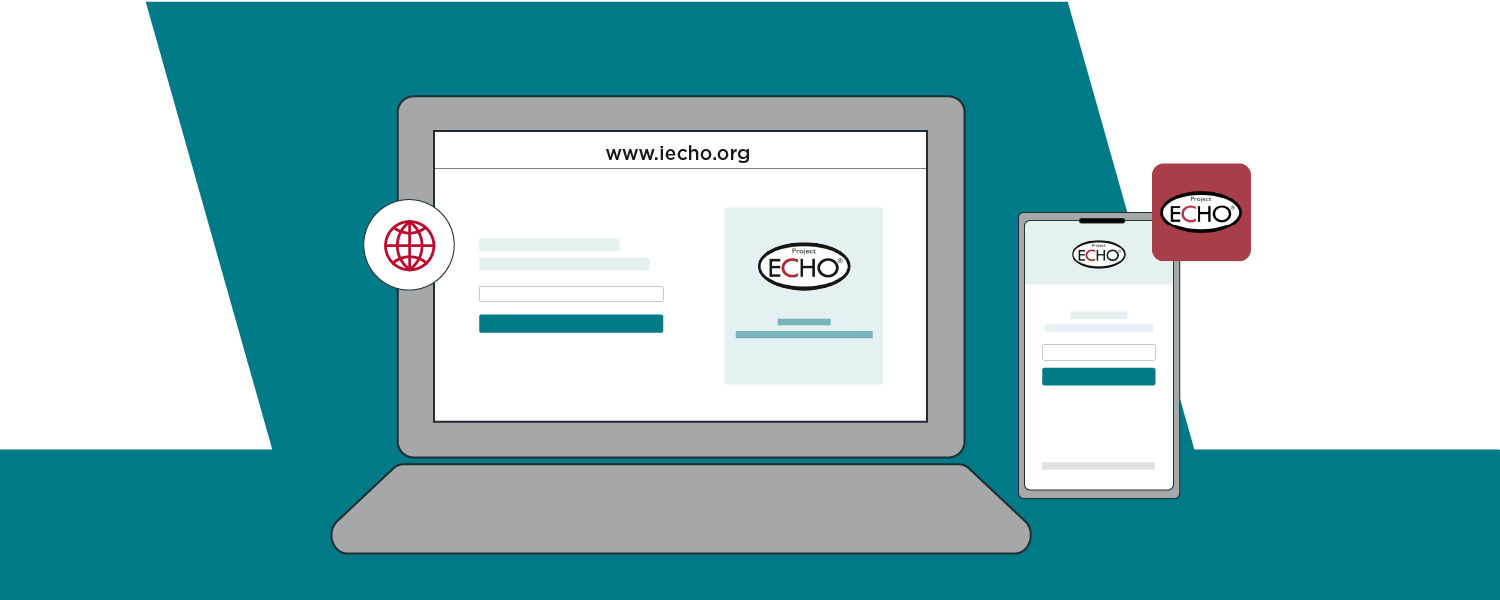
To make your experience as convenient and accessible as possible, iECHO offers multiple ways to access the platform. This article guides you through accessing iECHO on web browsers and mobile devices, including the iECHO mobile app.
The iECHO app is designed primarily for participants, so not all organization functionalities are available. However, you can use the app to join sessions, access content, and participate in discussion forums.
Accessing iECHO on the Web
iECHO provides a web-based platform, ensuring accessibility on desktop computers and laptops. To access iECHO on the web, follow these steps:
- Open your preferred web browser (Chrome, Safari, Firefox, Edge, etc.).
- In the address bar, enter "www.iecho.org" to reach the iECHO website.
- Once the website loads, click Log In to enter your iECHO login credentials and access the platform.
- Start exploring and engaging with the iECHO community right from your web browser.
Accessing iECHO on Mobile
iECHO is also accessible on mobile devices:
- Mobile Web Browser (Without App)
To access iECHO on your mobile web browser, follow these steps:
- Open your preferred web browser on your mobile device.
- In the address bar, type "www.iecho.org" to reach the iECHO website.
- Once the website loads, click Log In to enter your iECHO login credentials and access the platform..
- Android App
- Open the Google Play Store on your Android device and search for iECHO, or scan this QR code:

- Tap Install to download and install the app.
- Once installed, open the iECHO app to log in and start using it to join ECHO programs.
- iOS App
- Open the App Store on your iOS device and search for iECHO, or scan this QR code:

- Tap GET to download and install the app.
- Once installed, open the iECHO app to log in and join ECHO programs.
- Open the App Store on your iOS device and search for iECHO, or scan this QR code: