
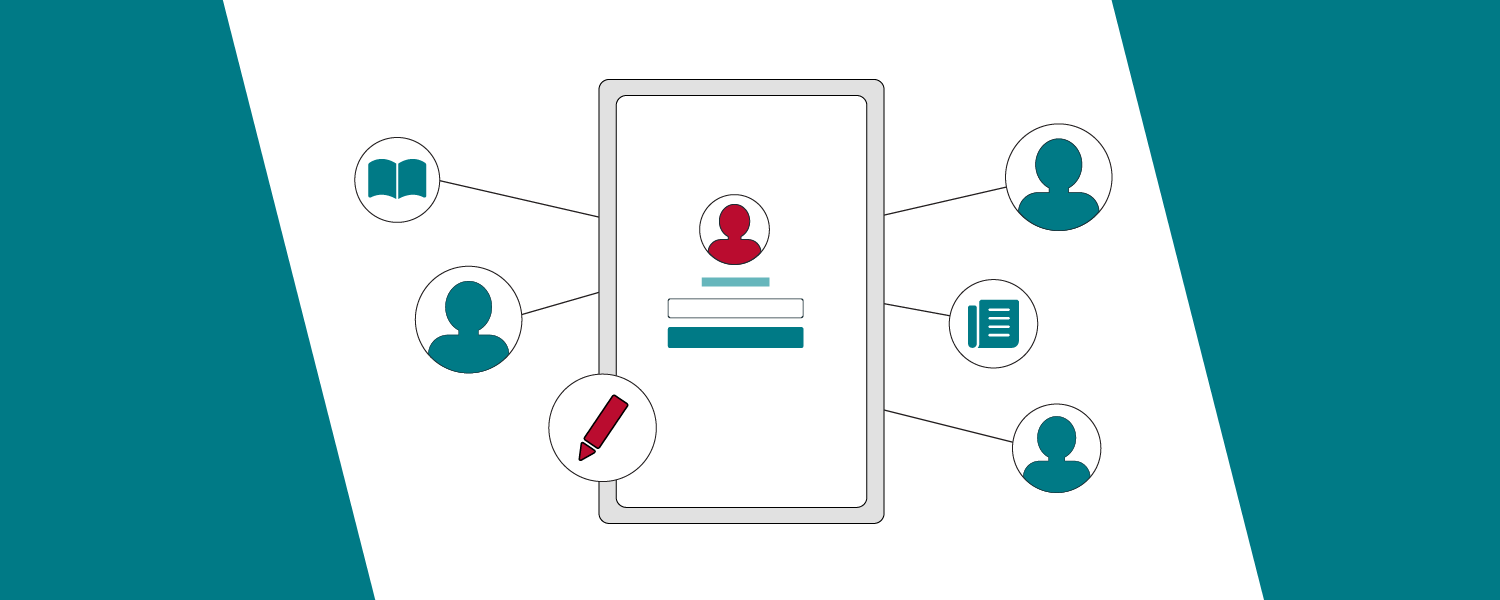
The Organization Profile highlights your impact and contribution toward the ECHO movement and Sustainable Development Goals, including an overview and program information, allowing members of the ECHO community to search for and discover your organization.
Organizations can use the enhanced Organization Profile to update details like website, social media links, and contact email, ensuring profiles stay current and support effective outreach and networking.
- Organizational Details
- Contact Details
- Profile Page Settings
- Organization Profile Page
Here is how you can set up your organization profile:
- Log in to your iECHO account.
- From the homepage, use the search option and click an organization logo in the left panel to select or switch organizations (if you belong to multiple organizations).
- Click the Organization Profile icon in the left panel to access your profile. Click Edit Profile to update organization details.
- Click Organization Team in the left panel to view, edit, or add team members to your organization.
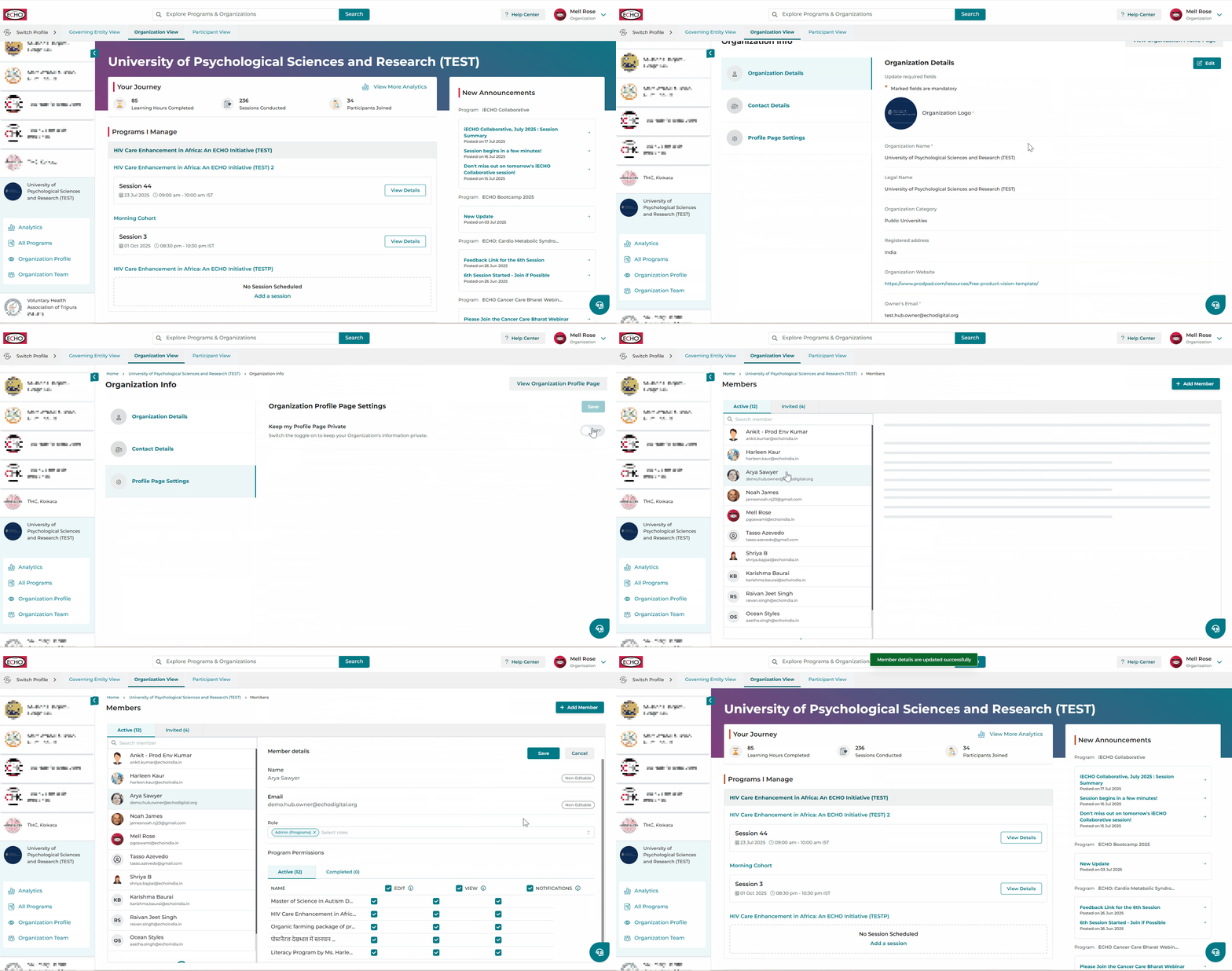
Organization Details Section
You can edit the following details:
- Organization Logo (Max size: 256x256 px | Allowed formats: JPG, GIF, PNG)
- Organization Category (selectable from a drop-down list)
- Registered Address
- Organization Website
- Focus Area(s)
- Description
- Social Media Accounts: LinkedIn, Twitter/X, Bluesky, Instagram, Facebook.
- Click Save to update details or apply changes.
The following fields cannot be edited:
- Organization Name
- Legal Name
- Owner's Email
- Organization Verification Number
Contact Details
In this section, you can add or update the email address through which interested participants or partners can connect for program information.
- Click Edit.
- Enter an email address in Email (this can be a group email or coordinator email to respond to queries).
- Click Save to apply changes.
Profile Page Settings
iECHO gives you the option to set the visibility of your organization's profile page. Choose between the following visibility options:
| Public | Anyone with the link can view your profile page. Organization profile pages are also searchable within iECHO (recommended for organizations and participants to easily contact for collaboration or networking). Keep the toggle turned off for this setting. |
| Private | Only members of your organization team will be able to view the profile page. Switch the toggle on for this setting. |
Custom Banner for Organization Profile Page
Hubs can personalize their Organization Profile by adding a Cover Heading and Cover Image. This enhancement helps showcase the hub's identity and highlight its mission, vision, or values directly on the profile.
| Cover Heading | Add a short, impactful line that represents your hub's mission, tagline, or key message. |
| Cover Image | Pick or upload an image that visually represents your hub's work, brand, or community. This creates a stronger connection with program participants, partners, and collaborators. |
Here is how to add a Cover Heading and Image:
- Navigate to Organization Profile from the left-hand menu.
- Click Profile Page Settings.
- Click Edit.
ℹ️ The default text and default cover will appear as selected.
- Enter your preferred Cover Heading. This could be your mission statement, aim, or tagline.
- Organizations may keep or remove the profile heading.
- If removed, no text will appear in the heading area.
- Removing the profile heading will not affect the banner display.
- Select a cover from the available options, or click Custom Cover Image (recommended dimensions: 1920×480 px, 4:1 aspect ratio).
- Upload or resize the image as required.
- Click Save to apply changes.
Best Practices
- Keep your Cover Heading short, clear, and inspiring (for example, "Advancing Accessible Healthcare for All").
- Use a high-resolution image that reflects your hub's mission, such as a team photo, community outreach image, or branded banner.
- Ensure your heading does not contain excessive text, as it may reduce readability.
ℹ️ If you remove the current banner, the system will automatically revert to the default banner. To change the cover image, delete the existing image and upload a new one.
View Organization Profile Page
The Organization Profile page on iECHO serves as a central point for showcasing institutional impact, engagement, and focus areas. This page provides an overview of the work being done and helps organizations, partners, and participants connect.
Organization Overview
A brief introduction to the institution, including its mission, vision, and key objectives. This section helps visitors understand your purpose and focus areas.
Focus Area
Key thematic areas of specialization, such as healthcare, education, public health, or social development.
Public Programs
A list of public programs available for participation. Each program entry includes:
- Program Name
- Language of Instruction
- Focus Area
- Option to register using View Details
This allows interested participants to easily explore and enroll in programs.
Engagement and Reach
Hubs can view participants or learning sites in different locations based on their iECHO profile information to gauge geographical impact. This 3D map supports filtering by country and state for detailed insights.
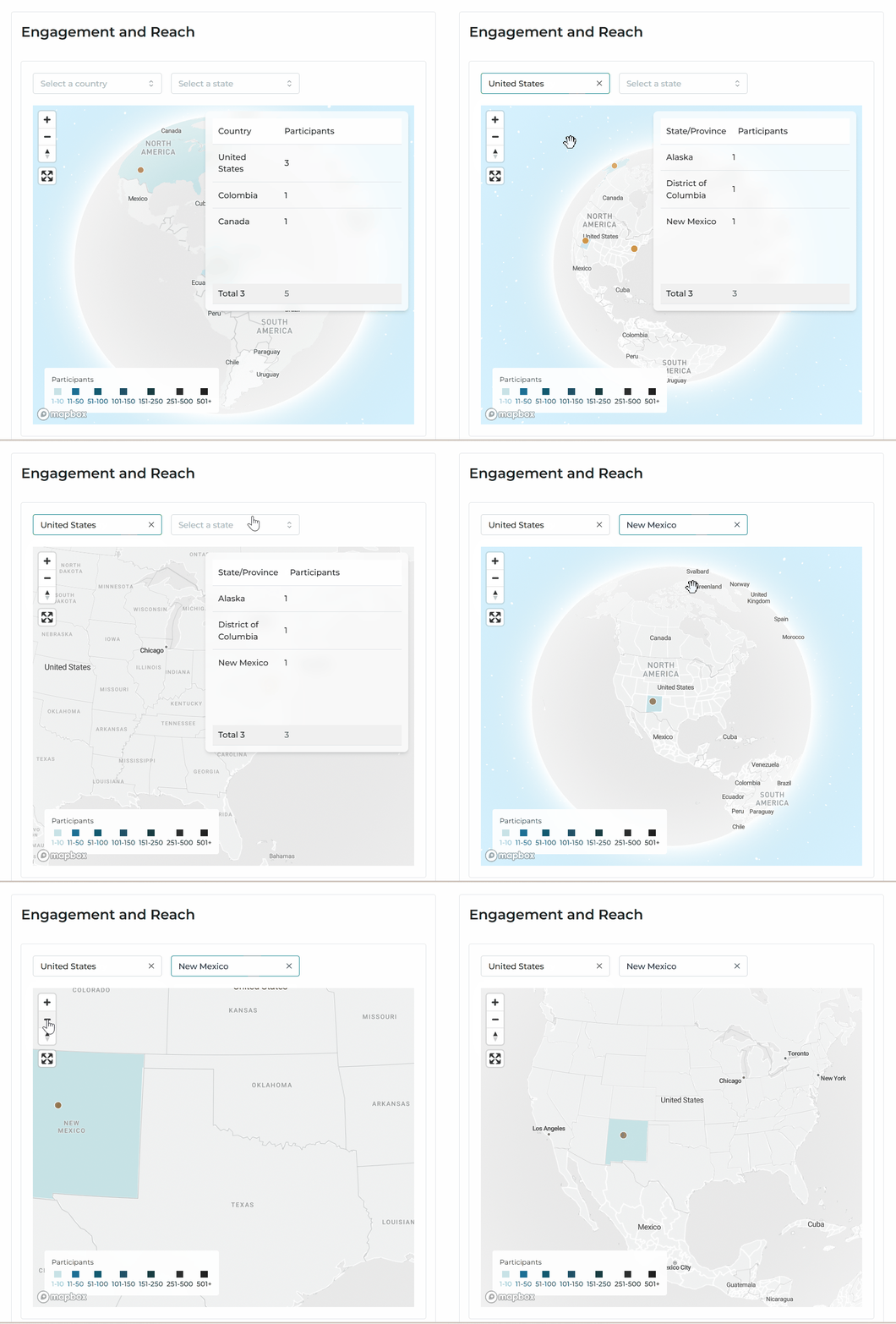
On the right, you will find a detailed country-wise breakdown showing total participant count.
Impact
Key achievements displayed through measurable data points, including:
- Hours of tele-mentoring provided
- Programs delivered
- Unique participants impacted
Sustainable Development Goals (SDGs) Impacted
A showcase of contributions to global SDGs, such as:
- Good Health and Well-being
- Quality Education
Data presented is automatically calculated from the iECHO platform.
Social Media Links
Links to institutional social media profiles for networking and engagement. These links are only visible on the Organization Profile page if updated.
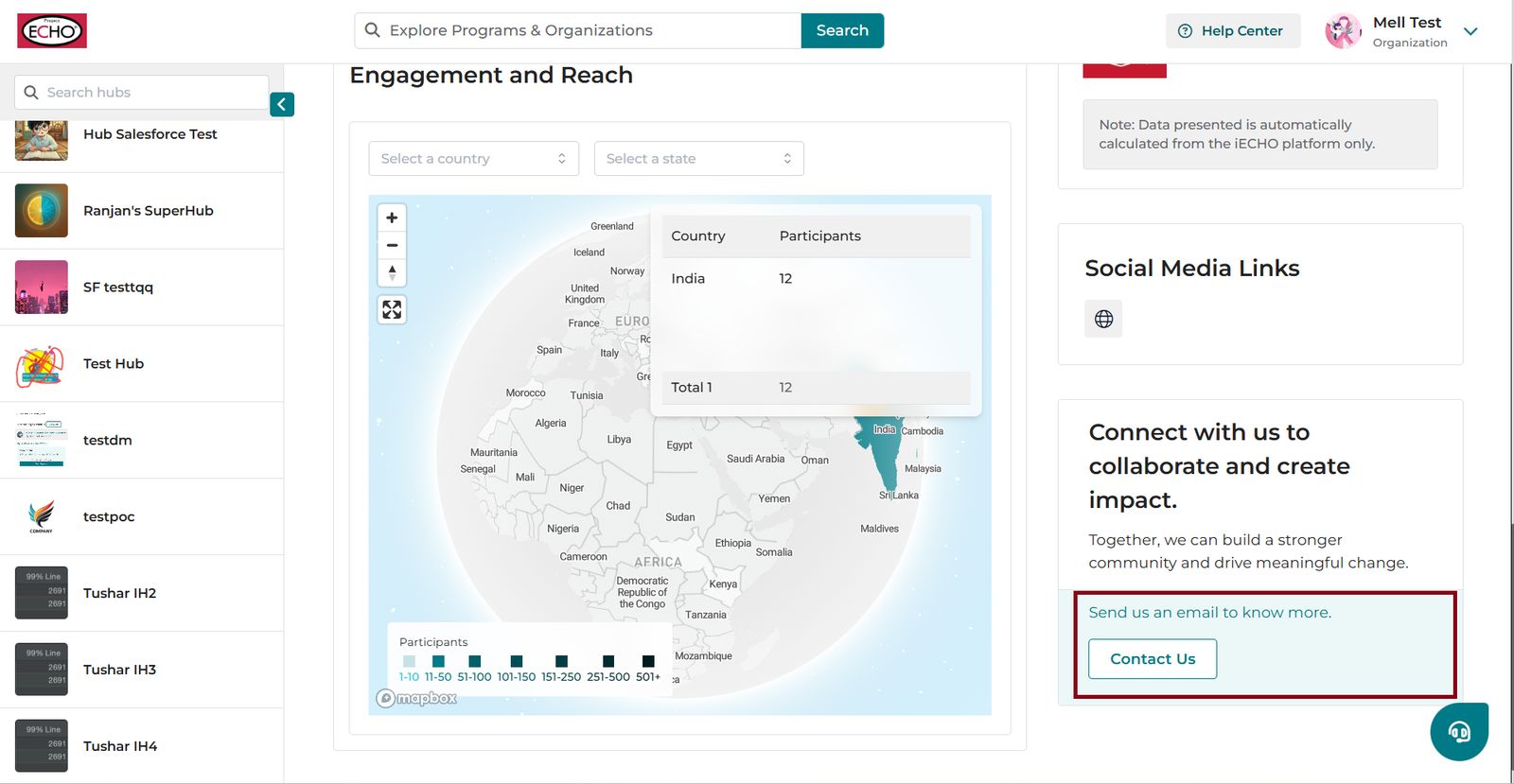
Contact Us
Email information for collaboration or inquiries about programs and initiatives.
ℹ️ The Contact Us section is visible in search results only if an email address is added.
ℹ️ Important:
- The banner image is set to a default and cannot be customized currently.
- The Organization Profile can be shared using the Share option for collaboration.
- Owners and admins have permission to edit the Organization Profile page.