
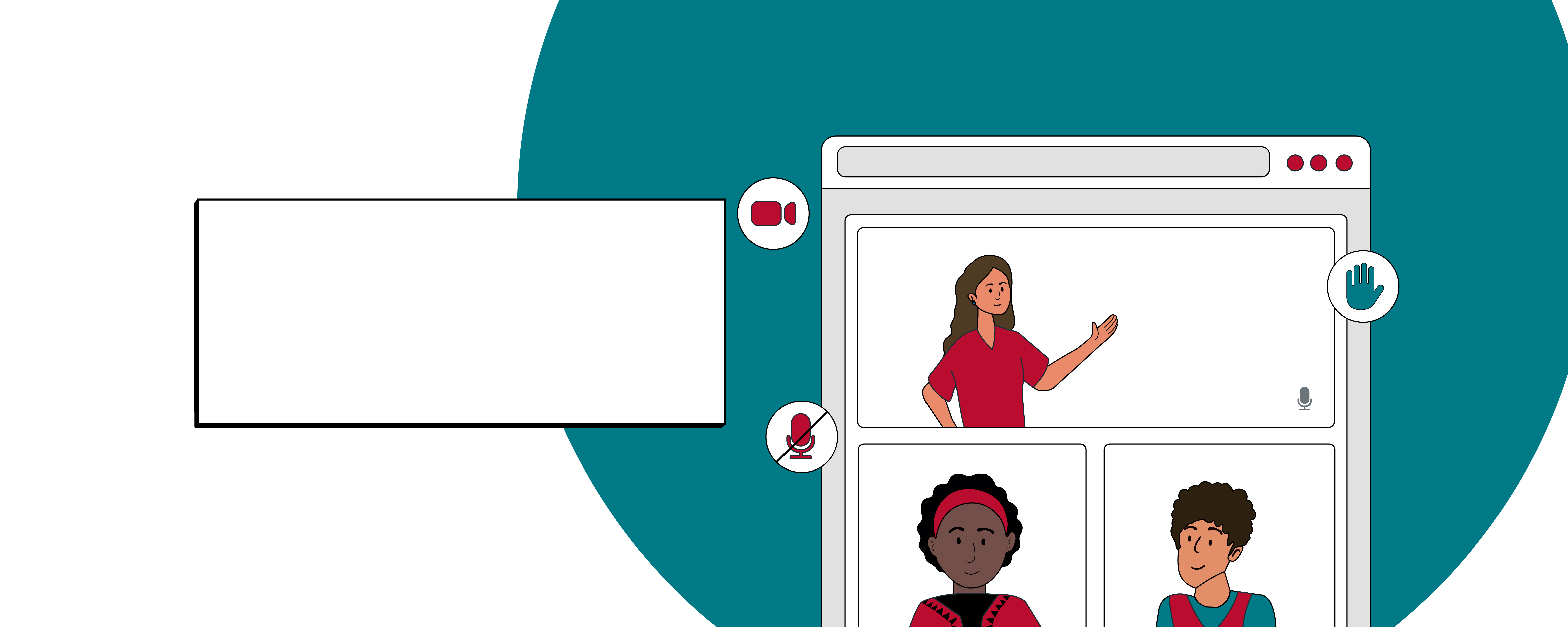
ECHO recommends following videoconferencing etiquette and best practices to ensure a smooth and effective session.
🔒 Lock down your setup
- Ensure a stable internet connection: A reliable connection is crucial for smooth communication and preventing technical issues.
- Use your unique iECHO link only: Use the unique link to join from your session reminder or calendar invitation for accurate attendance tracking, and do not share direct Zoom links. This guarantees your attendance is logged correctly and keeps the meeting room secure.
👋 Make a strong impression
- Introduce yourself : Open with a quick intro, including your name, organization, and location. This helps everyone know who you are and facilitates better interaction.
Example: "Hi everyone, I'm Sarah Jenkins with the Community Health Network in Austin, Texas."
- Frame your shot: Place your camera at eye level, position lighting in front of you (not behind you), and leave your video on throughout the session so everyone can connect with a real face.
📵 Manage your sound
- Silence your phone: Put your mobile devices on silent or do-not-disturb mode before the session starts to prevent interruptions during the session.
- Mute by default: Keep your microphone muted whenever you aren't speaking to keep the channel clear and avoid background noise.
🤚 Engage smoothly
- Signal before speaking: Use Zoom’s "raise hand" feature, or physically raise your hand on camera, when you have a question or comment. This helps maintain order and ensures everyone has a chance to speak.