
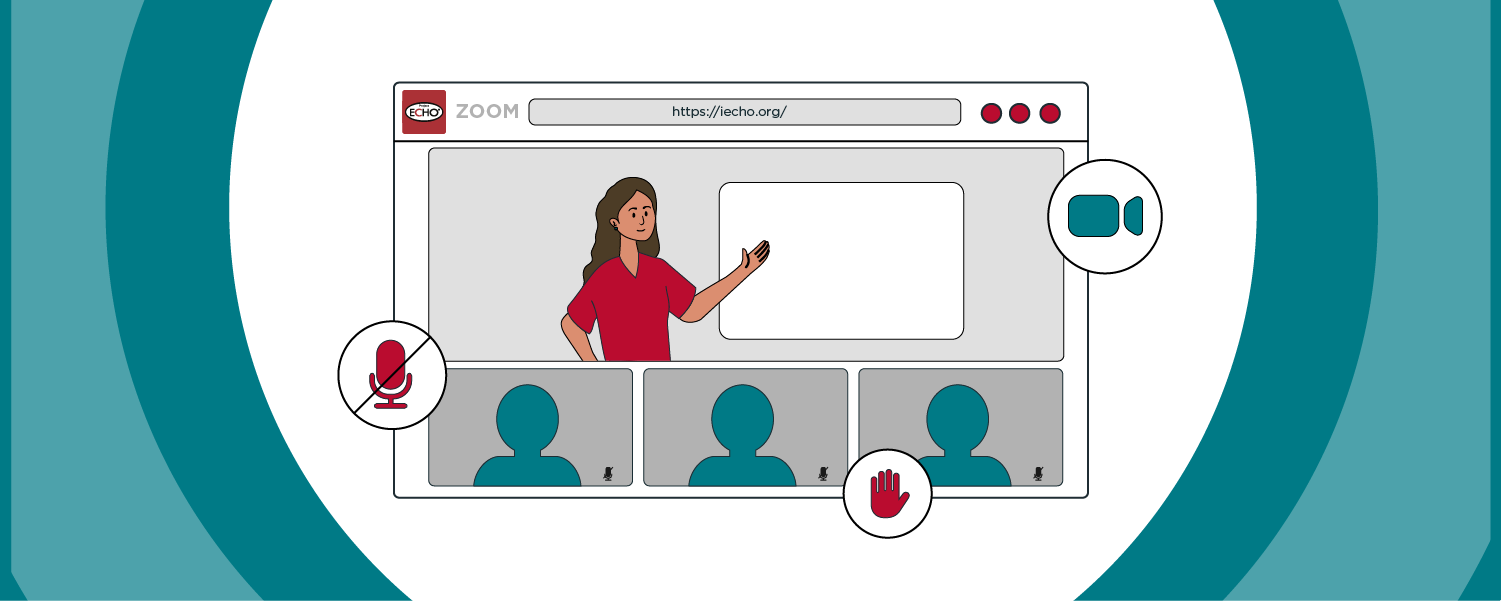
iECHO facilitates the integration of ECHO Zoom licenses into sessions, enabling seamless management and widespread dissemination through webinars.
ECHO Webinars allow you to reach a large audience in a single, impactful session. With expert panelists, such as those providing national-level training, the webinar uses videoconferencing tools to support many participants. The format is usually one-way, with experts sharing important information while participants can ask questions and comment via chat. It offers flexible scheduling and on-demand access to ensure content is effectively shared.
If you wish to conduct webinars on iECHO, please share the following details at least 7 working days prior to the session:
- Name of the organization (as listed on iECHO)
- Name of the session
- Participant group name
- Participant group URL
- Date and time of webinar
- Number of participants to be invited
Send these details to support@iecho.org, and our team will work to enable this functionality for you. Once enabled, the support team will notify you.
Participants can join the session by logging into the iECHO platform using their registered credentials and clicking the Join session button.
Note:
The default limit for inviting participants to a participant group is 450. However, you can request an increase by emailing support@iecho.org.
Important:
- User Access: Confirm that all panelists and participants have the necessary access and permissions to join the session.
- Session Start: Ensure that the session is started on both Zoom and iECHO. Please contact your ECHO Relationship Manager for details.
- Attendance Tracking: The session attendance report will not record the duration of participants' attendance.
- Attendance Accuracy for External Joiners: In cases where participants join from outside the platform (such as not using the Join session button on the account page or via the session reminder email link), iECHO may not accurately capture attendance, leading to potential data discrepancies. Therefore, please avoid sharing direct videoconferencing links to ensure accurate attendance tracking.
Related articles you may find helpful: