

If you would like to delete your iECHO account, follow these steps:
- Select Edit Profile from the drop-down menu under your name on the homepage.
- Select Settings and click Delete Account.
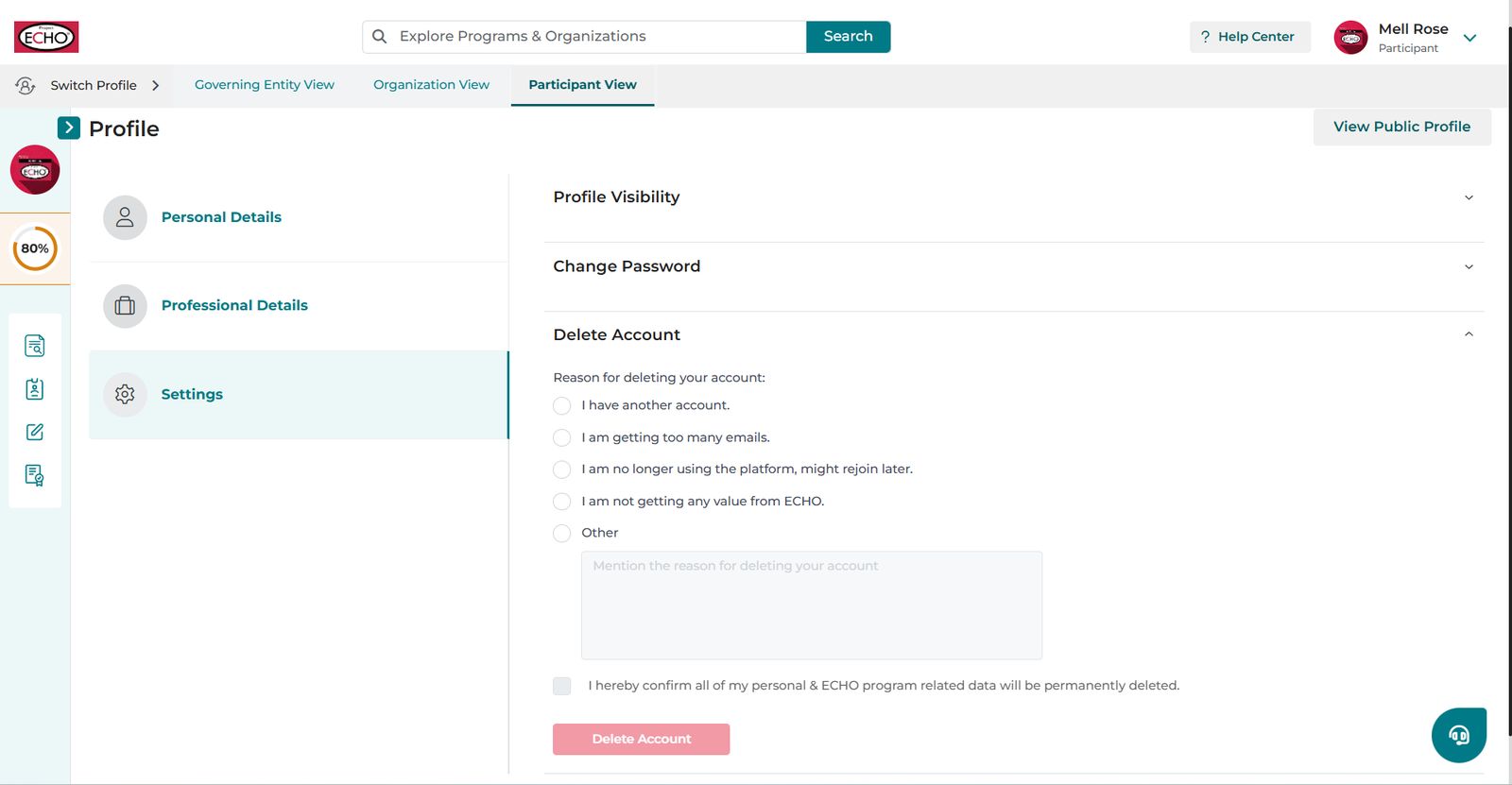
- Specify why you would like to delete your account and select the checkbox to confirm that you acknowledge all your personal and ECHO program-related data will be permanently deleted.
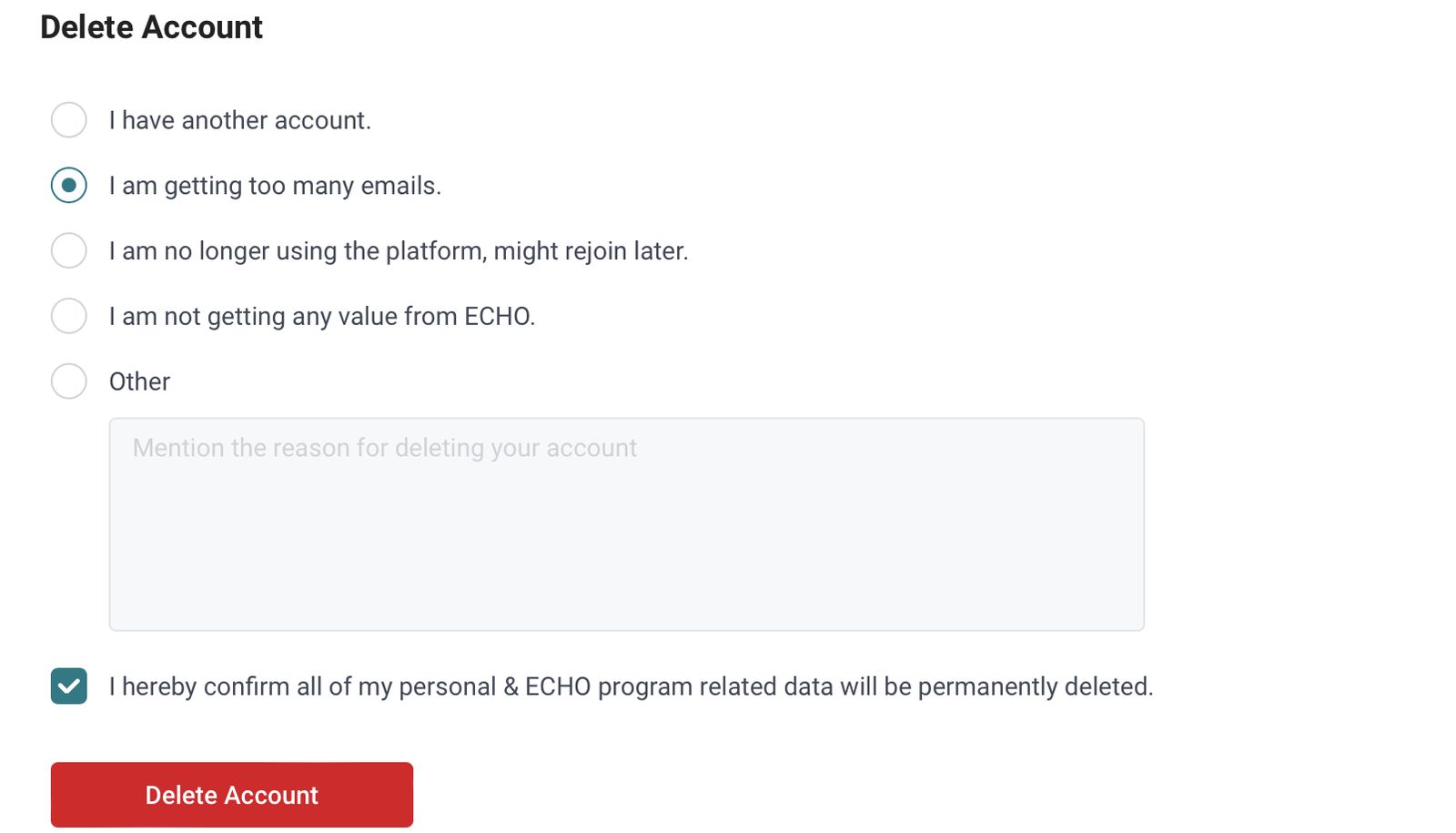
👉 If you are deleting your account because you receive too many emails, a better alternative without losing your progress and data on iECHO would be:
- Unsubscribing from promotional emails: Promotional emails are designed to market the platform and increase brand awareness. iECHO is very considerate about the communications sent to users, ensuring that emails are relevant and not excessive. How to unsubscribe from promotional emails.
- Leaving a program: Opting out of a program on iECHO means that you will no longer be part of that specific program and will stop receiving notifications related to it.
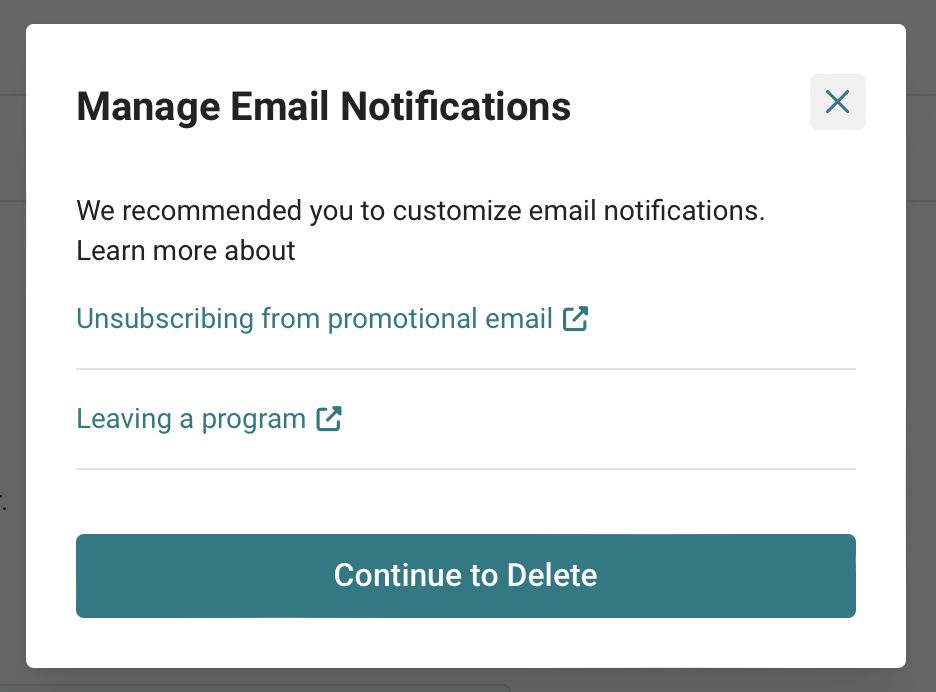
This dialogue box appears when you select ‘I am getting too many emails’ as a reason for deletion
If you would still like to continue with deletion, select Continue to Delete.
- Select Delete Account.
- iECHO will send a one-time password to your email address or phone number (depending on your registration method) to confirm deletion. Enter the code or OTP.
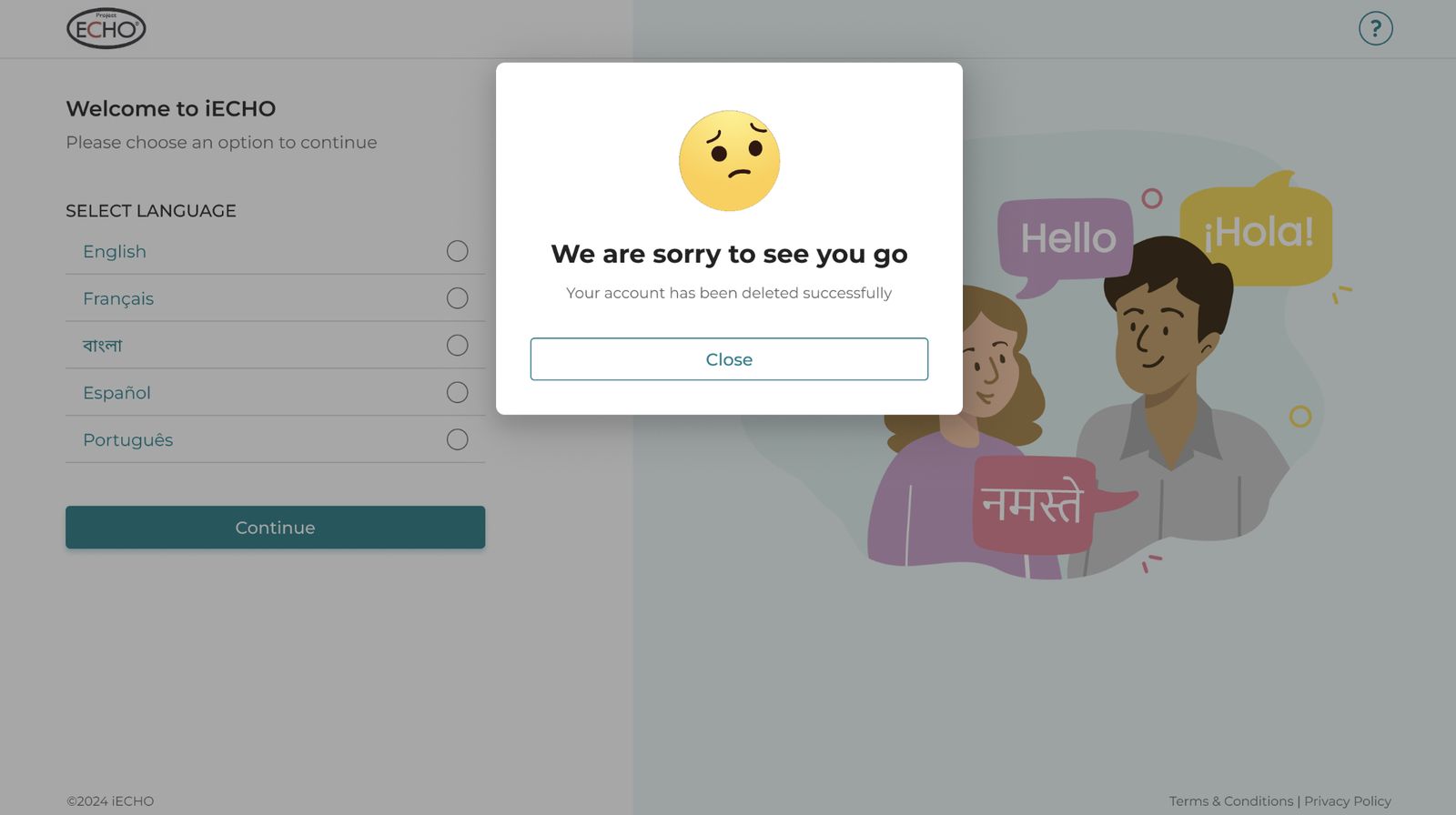
Deleting your account will permanently erase all your personal data and ECHO program information. This action is irreversible. Please ensure you back up all your data, including CSV reports, certificates, and other important documents, before proceeding with deletion.